Dual-stage clipping
Op-amp saturation and silicon diodes combine for a tight attack, rich harmonics, and compressed sustain.

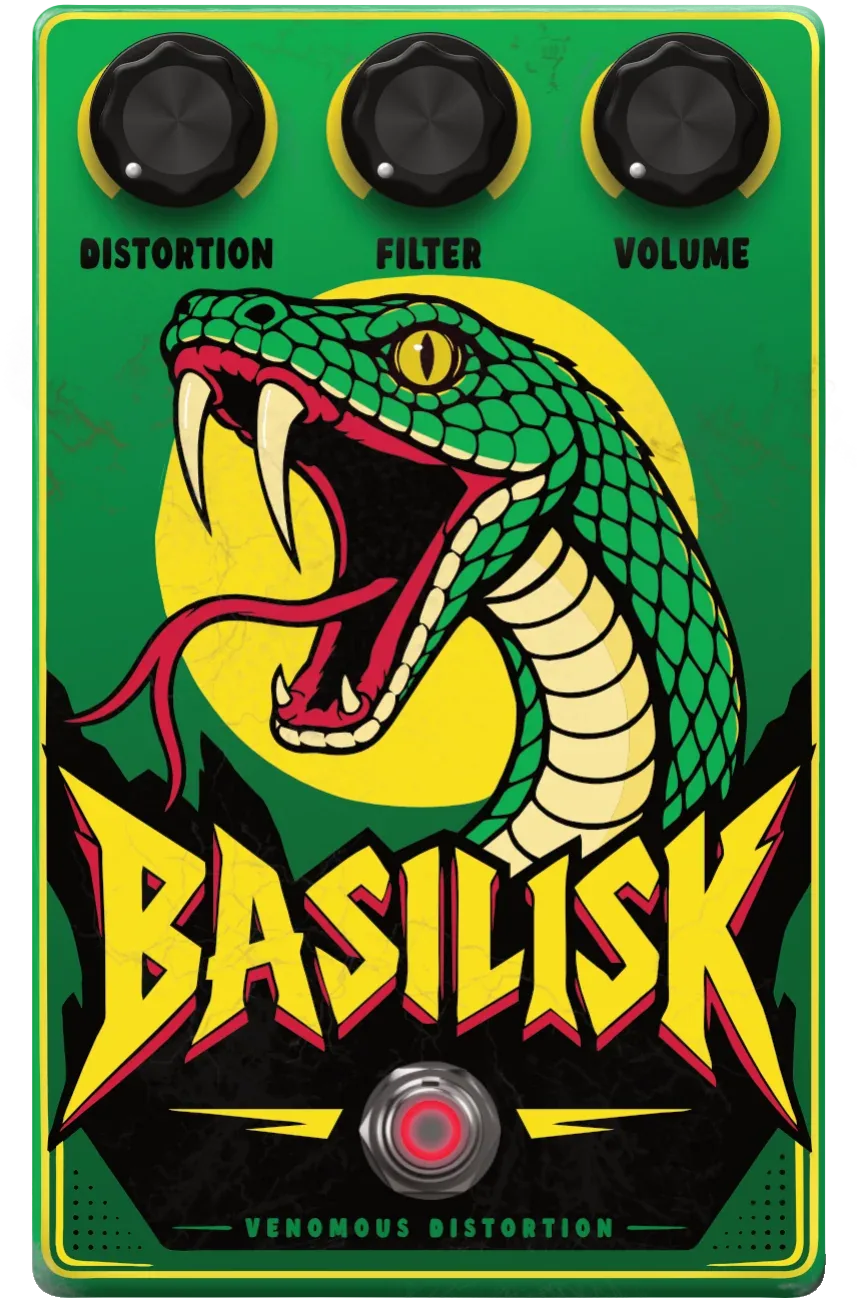
Basilisk moves from focused crunch to venomous saturation without sanding away transient detail. Two carefully voiced clipping stages, a musical filter and a level control make it fast to dial in good tones and difficult to make them boring.
Basilisk isn’t made to sound clean. It’s made to bite.
Free beta · No purchases available
Known as the king of serpents, the Basilisk was a tiny creature with an enormous reputation. Medieval bestiaries claimed that its gaze, breath or venom could kill before its victim had time to react.
Basilisk hits with the same lethal speed: the first clipping stage sinks in the fangs, the second pumps in the venom, and the filter sharpens the attack.
Op-amp saturation and silicon diodes combine for a tight attack, rich harmonics, and compressed sustain.
Shape the distortion after the clip. From bright, cutting bite to dark, heavy weight.
Focused mids give riffs weight, clarity, and the presence to cut through a mix.
Fast enough for the first idea, deep enough for the final mix.
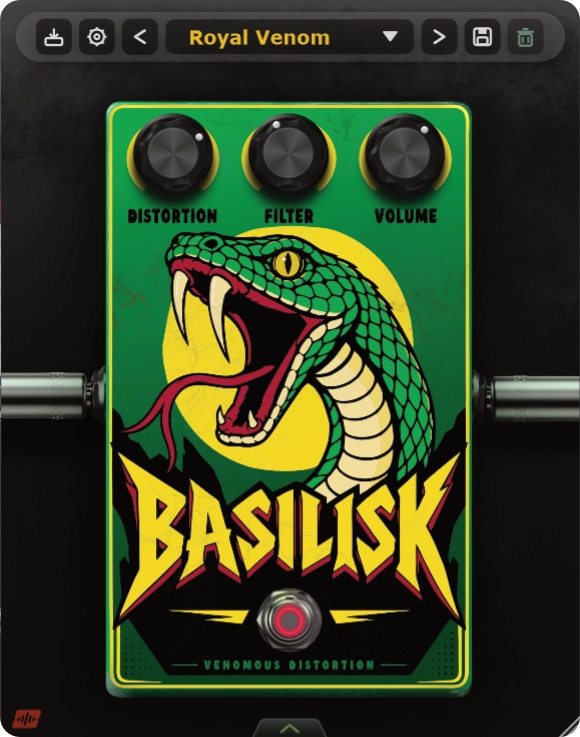
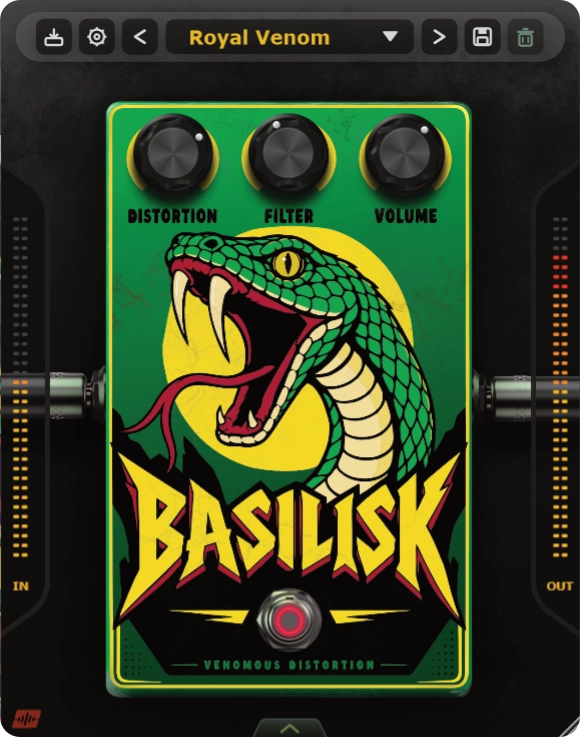
Manage presets, save sounds, and access license and update settings.
Sets the intensity and harmonic density of both clipping stages.
Moves from dark and thick to cutting and present.
Matches level or pushes the next processor in your chain.
Turns the effect on or off. When bypassed, the original signal passes through without processing.
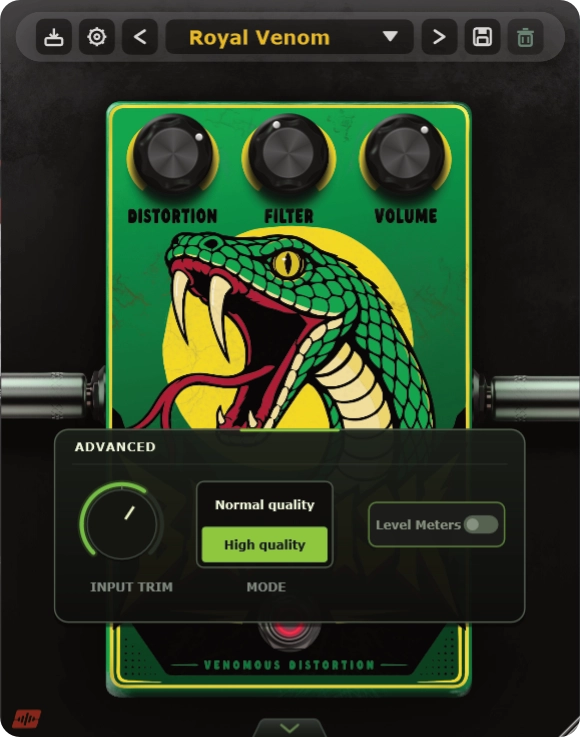
Adjusts the level entering the distortion circuit. Use it to compensate for hotter or quieter inputs.
Normal quality uses less CPU. High quality provides maximum processing quality.
Shows or hides the lateral level meters.
Tap the numbered points to discover each control. Use the arrow on the interface or the view selector to open the advanced panel.
Everything needed to bring the beast into your setup.
Everything you need to know before unleashing the Basilisk.
Yes. Basilisk can add distortion to guitar, bass and drums, as well as synths, vocals and effects returns. Its two clipping stages add harmonic density and sustain, while the Filter control shapes the brightness of the distorted sound.
Yes. Lower Distortion settings add focused colour and harmonic weight before moving into heavier, two-stage clipping. Use Filter to adjust the brightness and Volume to match the processed output level with the original signal.
Basilisk’s Filter control shapes the sound after the clipping stages. Use it to move from a brighter, cutting distortion to a darker, thicker tone. Distortion sets the intensity and harmonic density; Filter adjusts the tonal balance of that processed sound.
Use the Volume control to adjust Basilisk’s output, then toggle Bypass to compare the processed and original sound. Matching their perceived loudness helps you judge the change in tone without letting a louder signal dominate the comparison.
Basilisk supports VST3 on Windows 10 or newer and macOS 12 or newer. Supported sample rates range from 44.1 to 192 kHz.
Join the free beta using the link on this page. Your beta invitation provides download and activation instructions; no purchases are currently available. If your account offers a fully functional 14-day trial, it begins when you activate the plugin, not when you download the installer.
Yes. Basilisk can process audio offline after activation. You need an internet connection to activate the plugin or start an available trial through Moonbase.
No iLok is required. Moonbase manages Basilisk licenses and activations. Sign in with the email address associated with your beta invitation to see the licenses and activations available to your account.